An Easy-to-Use and Effective Subtitle File Converter
Subtitle Converter is a tool that helps convert different types of subtitle files to the srt format. The different file formats that the tool works with are ass, s2k, sub, and ssa, among others.
Top Recommended Alternative

Working Mechanism
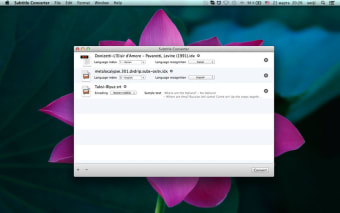
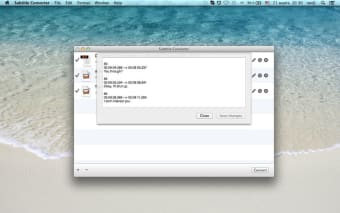
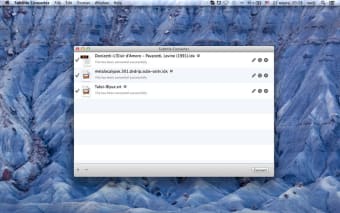
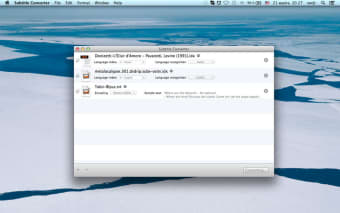
The process begins with you taking the sub and idx files, which should be named identically, and dragging them into the white, blank area of this program from the Finder window. Once done, the application would automatically analyze and prompt you to state the language source (to and from). Hit ‘convert’ so that the tool could create your individual SRT file in a few moments.The SRT file created can be edited. Save the file, and you may look for the file in Documents or default folder. Then copy the file into the video folder so that the SRT could work in tandem with the video file.
Portable Tool
Subtitle Converter is extremely portable. It lets you manufacture MicroDVD subtitles from Subviewer, Subrip, plain text and Sami documents; append frames to address desynchronized subs, and get rid of the captions. The whole program is wrapped in an executable file, which could be copied to a pen drive or USB flash drive, and launched effortlessly on any Windows computer without a setup. The system registry settings would not be changed.